
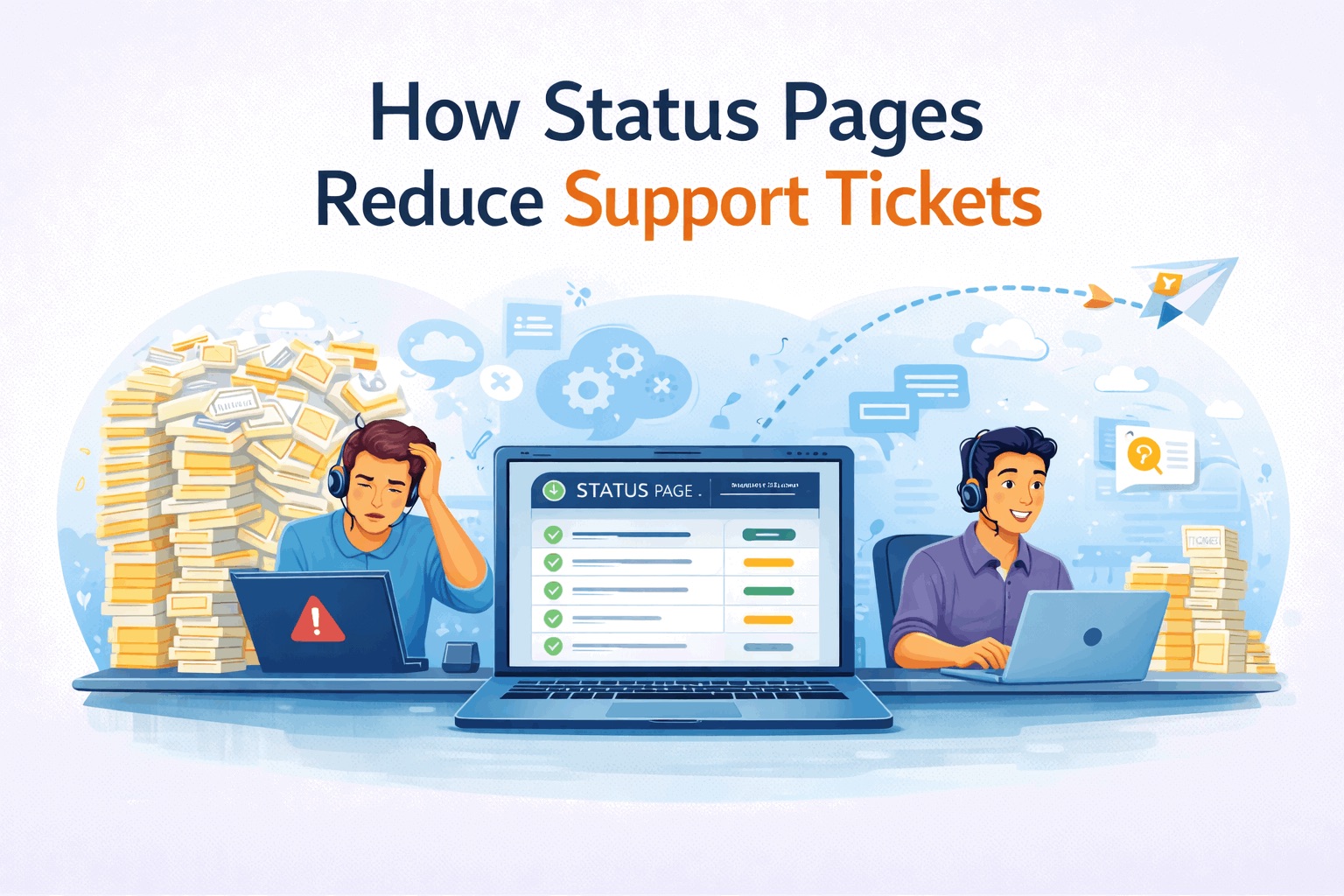
How Status Pages Reduce Support Tickets
Every outage follows the same pattern.
Something breaks. Users notice. Support tickets flood in.
Most of those tickets are not new information. They are variations of the same question:
“Is this just me?”
A status page exists to answer that question once, publicly, instead of a hundred times privately.
What Happens During an Incident Without a Status Page
Without a status page, users have no shared source of truth.
The result:
- users refresh and retry repeatedly
- support inbox fills up immediately
- social channels amplify confusion
- engineers get interrupted mid-incident
Support becomes a bottleneck instead of a safety net.
The Psychology Behind Support Spikes
Most users do not open tickets because they want help fixing the problem.
They open tickets because they want reassurance.
They want to know:
- Is this a known issue?
- Are others affected?
- Is anyone working on it?
- When will there be an update?
A status page answers all four.
One Update Beats One Hundred Replies
A single public status update can replace dozens or hundreds of individual responses.
Instead of answering:
- “Yes, we’re aware”
- “Yes, it’s being investigated”
- “No ETA yet”
You publish one update and point everyone to it.
Support becomes routing, not repetition.
How Status Pages Change Support Behavior
Teams with a status page see predictable changes:
- fewer duplicate tickets
- shorter ticket threads
- calmer user tone
- faster resolution time
Users who know what is happening are more patient.
Timing Matters More Than Detail
The first update is the most important one.
It does not need deep technical detail. It needs speed.
A good first update says:
- we see the issue
- we are investigating
- here is when the next update will arrive
Silence creates tickets. Acknowledgement prevents them.
Status Pages vs Auto-Reply Emails
Auto-replies reduce manual effort, but they do not reduce tickets.
They still require users to:
- write in
- wait for a response
- wonder if the issue is real
A status page answers the question before the ticket is created.
Public Status Pages Scale Better Than Support
Support teams scale linearly.
Status pages scale infinitely.
One update reaches:
- current customers
- future customers
- people who have not contacted support yet
This is why even small SaaS teams benefit from public status pages.
How This Fits With Monitoring
Monitoring detects failures.
Support feels the impact.
A status page connects the two.
If you want a deeper explanation of the detection side, see:
Status Page vs Uptime Monitoring
Related:
Common Mistakes That Limit the Benefit
Status pages fail to reduce tickets when teams:
- delay the first update
- forget to post follow-ups
- use vague language
- omit next update times
The tool is not the problem. The process is.
Small SaaS Teams Benefit the Most
Small teams have limited support capacity.
Every unnecessary ticket steals time from fixing the issue.
A simple status page often delivers a better ROI than hiring additional support.
Where StatusPage.me Helps
StatusPage.me is designed to reduce support noise during incidents.
It helps teams:
- publish updates quickly
- notify subscribers automatically
- keep a public incident history
- stay focused on recovery
Learn more:
StatusPage.me
See pricing:
Pricing
FAQ
Do status pages really reduce support tickets?
Yes. By answering common questions publicly, status pages prevent many tickets from being created in the first place.
How fast should the first status update be?
As soon as you confirm there is an issue. Speed matters more than detail.
Are status pages useful outside of outages?
Yes. Maintenance and degraded performance updates also reduce confusion and tickets.
Can a status page replace support entirely?
No. It reduces volume, but support is still needed for edge cases.